We Use CookiesWe use cookies to enhance the security, performance, functionality and for analytical and promotional activities. By continuing to browse this site you are agreeing to our privacy policy

10 Best Xbox Controllers 2025 in the United States

#1

Winner

10.0 score

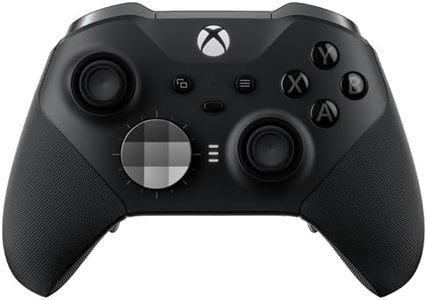
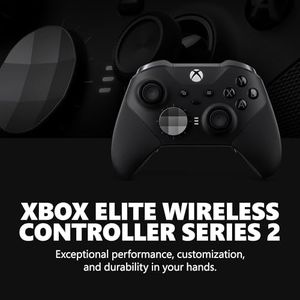
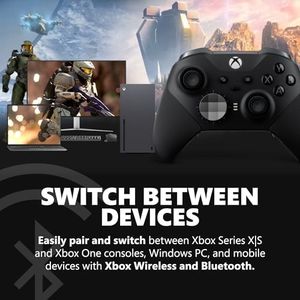
Xbox Elite Series 2 Core Wireless Gaming Controller – Black – Xbox Series X|S, Xbox One, Windows PC, Android, and iOS

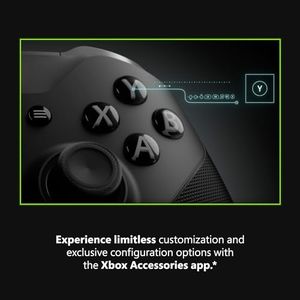
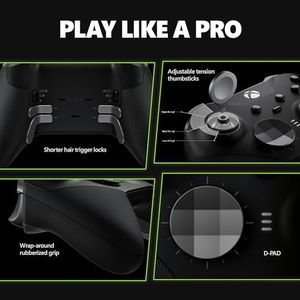
The Xbox Elite Series 2 Core Wireless Gaming Controller is designed for serious gamers who value high performance and customization. One of its standout features is the ergonomic design, which ensures comfort during extended gaming sessions. The button layout is highly customizable, allowing you to swap thumbsticks, D-pads, and paddles to suit your personal gaming style. This level of customization is further enhanced by the Xbox Accessories app, which offers advanced configuration options like deadzone adjustment and button mapping to voice commands.

Rating
10.0
Chosen by1,368
Ergonomics
Button Layout
Connectivity

Most important from
45772 reviews

Ergonomics
The controller's slightly smaller design and improved grips enhance comfort and usability.
Button Layout
The blue letters on the buttons can be hard to read, especially for new players.
Connectivity
The braided USB-C cord ensures a stable, high-quality connection without disconnections.
Battery Life
The rechargeable battery life of up to 40 hours is impressive and convenient for long gaming sessions.
Customization Options
Adjustable hair triggers allow for customized trigger sensitivity.
Build Quality
The metal shafts of the thumbsticks prevent drift issues often seen with plastic ones.
#2
9.7 score

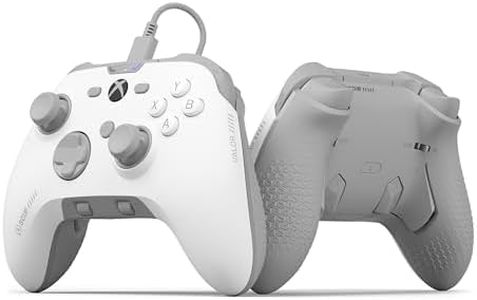
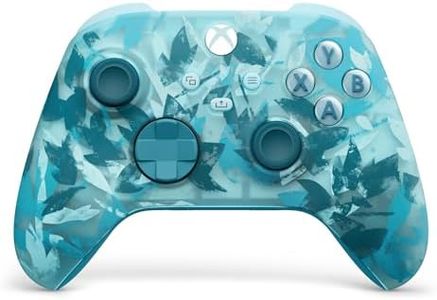
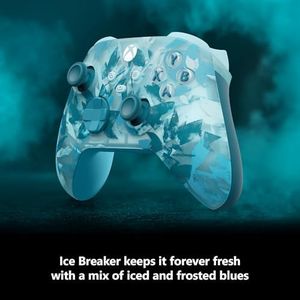
Xbox Wireless Controller Ice Breaker Special Edition - Wireless & Bluetooth Connectivity - New Hybrid D-Pad - New Share Button - Featuring Textured Grip

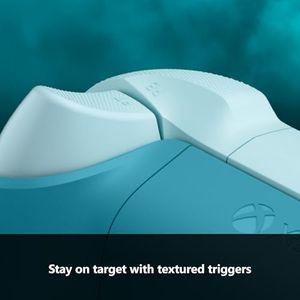
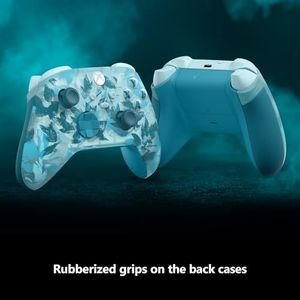
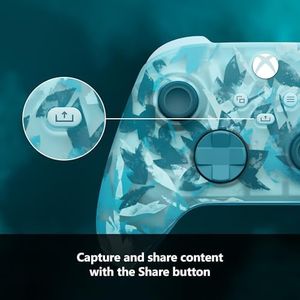
The Xbox Wireless Controller Ice Breaker Special Edition offers a comfortable and stylish gaming experience with its textured triggers and rubberized grips, helping you keep control during long sessions. The new hybrid D-pad and the additional Share button make gameplay and sharing content easier and more intuitive. It connects wirelessly via both Xbox Wireless and Bluetooth, so you can switch smoothly between your Xbox console, PC, or cloud gaming without hassle.

Rating
9.7
Ergonomics and Build Quality
Wired vs. Wireless Connectivity
Button Layout and Customization

Most important from
22804 reviews

Ergonomics and Build Quality
Comfortable to hold for extended gaming sessions thanks to its ergonomic design and textured grips.
Wired vs. Wireless Connectivity
This controller delivers reliable wireless performance across Xbox, PC, Android, and iOS devices without fail.
Button Layout and Customization
Buttons and triggers are responsive with smooth, precise analog sticks that enhance control.
Compatibility
This controller delivers reliable wireless performance across Xbox, PC, Android, and iOS devices without fail.
#3
9.7 score

Xbox Wireless Controller Heart Breaker Special Edition - Wireless & Bluetooth Connectivity - New Hybrid D-Pad - New Share Button - Featuring Textured Grip

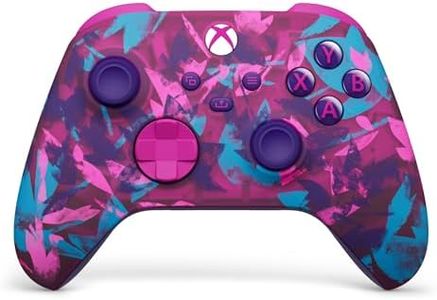
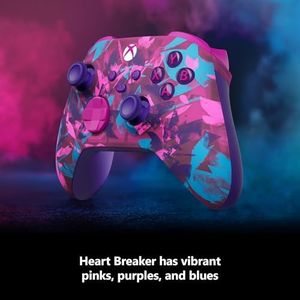
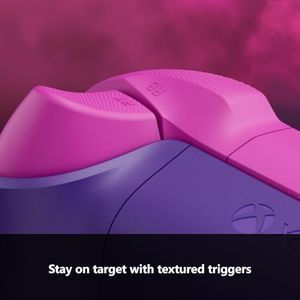
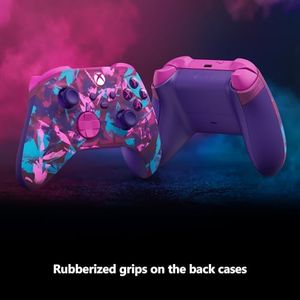
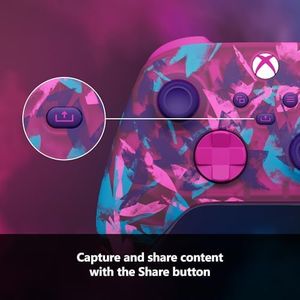
The Xbox Wireless Controller Heart Breaker Special Edition offers a colorful and eye-catching design that stands out with vibrant pinks, purples, and bright blues. It feels comfortable to hold thanks to textured triggers and rubberized grips, which help keep control during long gaming sessions. This controller supports both Xbox Wireless and Bluetooth connectivity, making it easy to connect not only to Xbox consoles but also to PCs and cloud gaming services. A handy Share button lets you quickly capture and share your gameplay moments without interrupting the action. You can also customize button functions through the Xbox Accessories app, allowing you to tailor the controller to your play style.

Rating
9.7
Ergonomics and Build Quality
Wired vs. Wireless Connectivity
Battery Life and Charging Options

Most important from
22804 reviews

Ergonomics and Build Quality
The controller fits perfectly in the hands with smooth, responsive buttons that enhance comfort during long sessions.
Wired vs. Wireless Connectivity
Connectivity is generally seamless, pairing easily with both Xbox consoles and Windows PCs.
Battery Life and Charging Options
Including batteries right out of the box adds convenience, eliminating the need for immediate additional purchases.

Top 10 Best Xbox Controllers 2025 in the United States

#1

Winner

10.0  score

Xbox Elite Series 2 Core Wireless Gaming Controller – Black – Xbox Series X|S, Xbox One, Windows PC, Android, and iOS

Ergonomics: Ergonomic design
Button Layout: Customizable
Connectivity: Xbox Wireless, Bluetooth, USB-C
Battery Life: Up to 40 hours
Customization Options: Swap parts, save custom profiles
Build Quality: Robust components
Compatibility: Xbox Series X|S, One, PC, Android, iOS

Chosen by 1368 this week

Xbox Wireless Controller Ice Breaker Special Edition - Wireless & Bluetooth Connectivity - New Hybrid D-Pad - New Share Button - Featuring Textured Grip

Ergonomics and Build Quality: textured triggers, rubber grips, 14 oz weight
Wired vs. Wireless Connectivity: wireless via Xbox Wireless, Bluetooth
Button Layout and Customization: hybrid D-pad, Share button, customizable app
Compatibility: Xbox Series X|S, Xbox One, Windows PCs
Haptic Feedback and Trigger Sensitivity: modest improvements
Battery Life and Charging Options: 2 AA batteries, no rechargeable battery

Xbox Wireless Controller Heart Breaker Special Edition - Wireless & Bluetooth Connectivity - New Hybrid D-Pad - New Share Button - Featuring Textured Grip

Ergonomics and Build Quality: textured triggers, rubberized grips
Wired vs. Wireless Connectivity: Xbox Wireless, Bluetooth
Button Layout and Customization: Share button; customizable via app
Compatibility: Xbox consoles, PCs, cloud gaming
Haptic Feedback and Trigger Sensitivity: improved trigger sensitivity
Battery Life and Charging Options: 2 AA batteries; no rechargeable

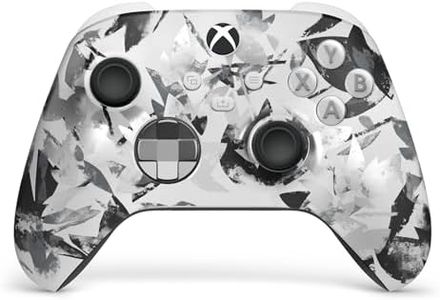
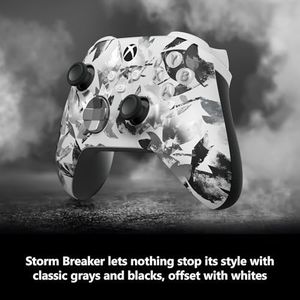
Microsoft Xbox Wireless Controller Storm Breaker Special Edition - Wireless & Bluetooth Connectivity - New Hybrid D-Pad - New Share Button - Featuring Textured Grip

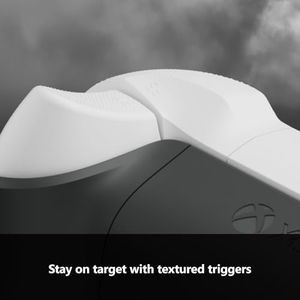
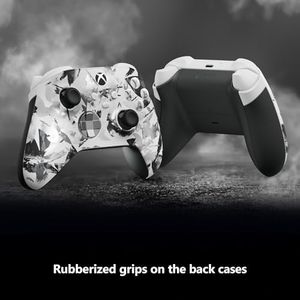
Ergonomics and Build Quality: textured grips, triggers, hybrid D-pad
Wired vs. Wireless Connectivity: Xbox Wireless, Bluetooth
Button Layout and Customization: Share button, customizable via app
Compatibility: console, PC, cloud gaming
Battery Life and Charging Options: 2 AA batteries, replaceable/rechargeable

Xbox Wireless Controller – Pulse Cipher Special Edition Series X|S, One, and Windows Devices

Ergonomics and Build Quality: Rubber grips; metallic triggers; 13.6 oz
Wired vs. Wireless Connectivity: Xbox Wireless and Bluetooth
Button Layout and Customization: Familiar layout; Share button; customizable
Compatibility: Xbox Series X|S, Windows, mobile, tablets
Battery Life and Charging Options: 2 AA batteries; up to 40 hours

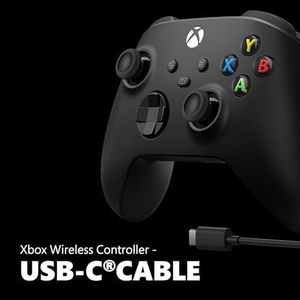
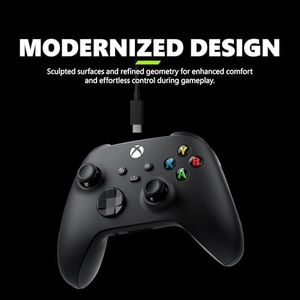
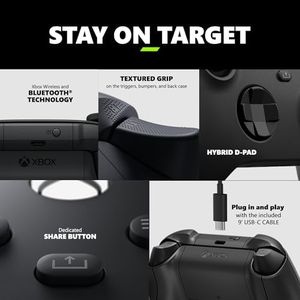
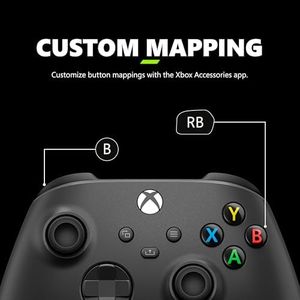
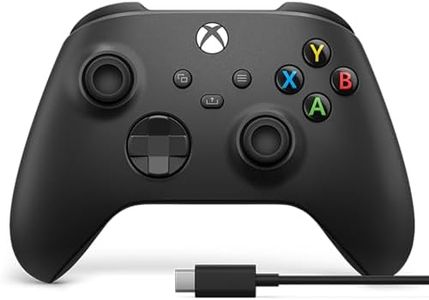
Xbox Wireless Gaming Controller + USB-C® Cable (2025) – Carbon Black – Play on Xbox, Windows, Android, iOS, FireTV Sticks, Smart TVs, VR Headsets

Ergonomics: sculpted shapes, textured grips
Button Layout: user-friendly, hybrid D-pad, Share button
Connectivity: wireless Xbox, Bluetooth, USB-C cable
Battery Life: up to 40 hours
Customization Options: remap buttons via Xbox Accessories app
Build Quality: solid, well-finished surfaces, responsive buttons
Compatibility: Xbox, Windows PCs, smartphones, smart TVs, VR

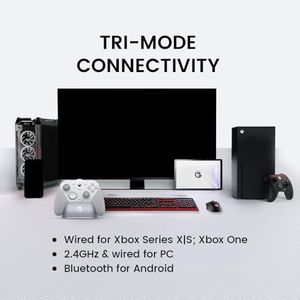
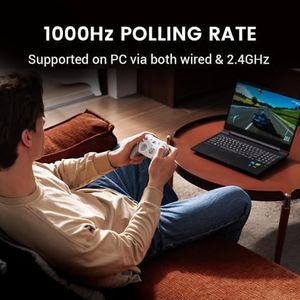
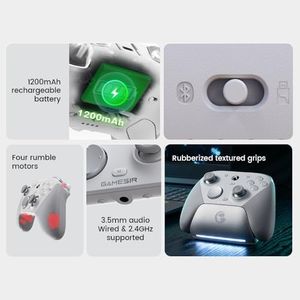
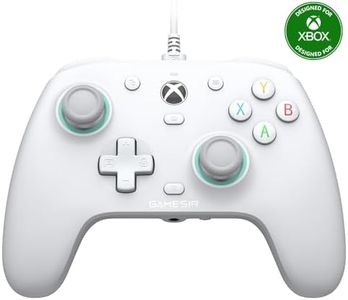
GameSir G7 Pro Wired Controller for Xbox Series X|S, Xbox One, Wireless Gamepad for PC&Android with TMR Sticks, Hall Effect Analog Triggers, 1000Hz Polling Rate, 3.5mm Audio Jack - White
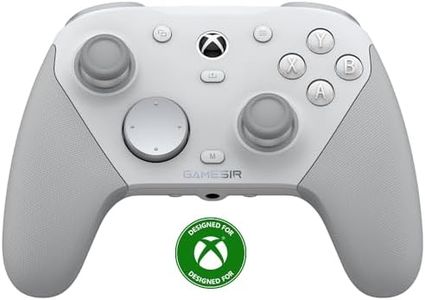
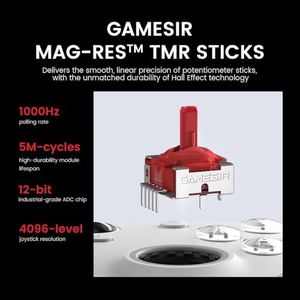
Ergonomics and Build Quality: Advanced TMR sticks; weighs about 1.1 pounds
Wired vs. Wireless Connectivity: Wired, 2.4G wireless, Bluetooth modes
Button Layout and Customization: Xbox layout; 4 programmable buttons; app
Compatibility: Xbox Series X|S, One, PC, Android
Battery Life and Charging Options: 1200mAh battery; smart charging dock

Custom Controllerzz Wireless Controller for Microsoft Xbox Series X/S & Xbox One - Custom Soft Touch Feel - Custom Xbox Series X/S Controller (X/S Waves)

Ergonomics: custom soft-touch feel
Button Layout: mirrors Xbox controllers
Connectivity: Wireless, Bluetooth, USB C
Battery Life: standard batteries
Customization Options: unique Waves pattern designs
Build Quality: official Microsoft controller
Compatibility: Xbox One, Series X/S, PC

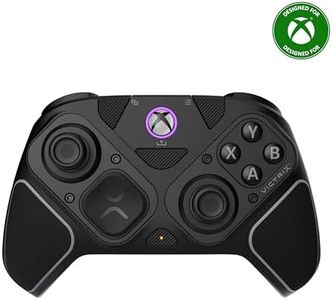
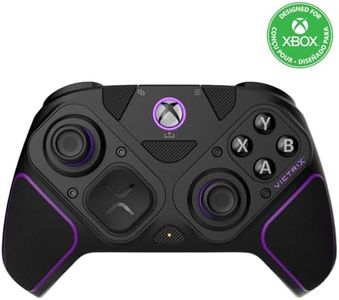
PDP Victrix Pro BFG Wireless Gaming Controller for Xbox Series X|S, Xbox One, Windows 10/11, Modular Gamepad, Dolby Atmos Audio, Remappable Buttons, Customizable Triggers/Paddles/D-Pad, PC App, Black

Ergonomics: modular design for comfort
Button Layout: 4 remappable back buttons
Connectivity: wireless dongle, Bluetooth, wired
Battery Life: rechargeable lithium polymer battery
Customization Options: swap sticks, D-pads, buttons; app
Build Quality: robust, slightly heavier controller
Compatibility: Xbox Series X|S, One, Windows

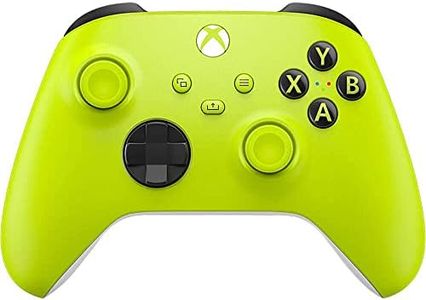
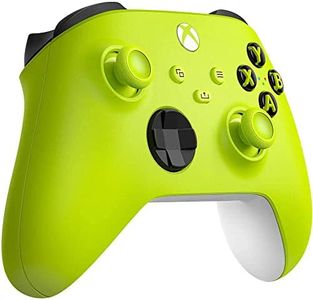
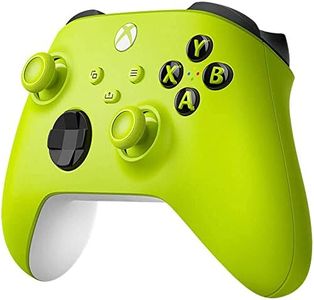
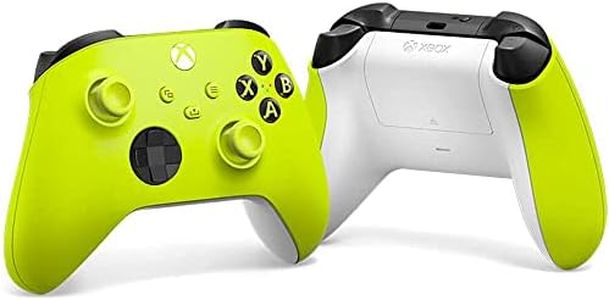
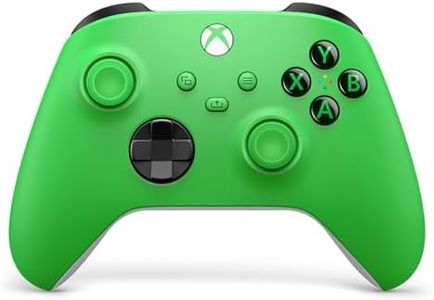
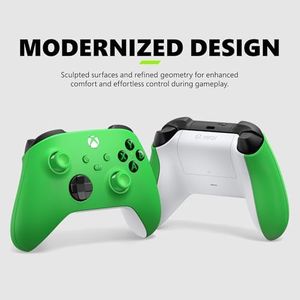
Xbox Wireless Gaming Controller (2025) – Velocity Green – Play on, Windows, Android, iOS, FireTV Sticks, Smart TVs, VR Headsets
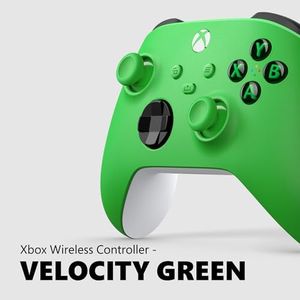
Ergonomics: comfortable design with improved grip textures
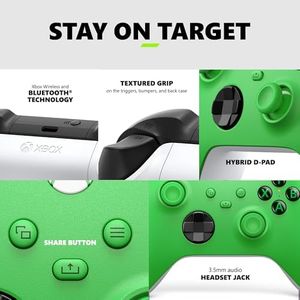
Button Layout: familiar, intuitive with hybrid D-pad
Connectivity: Xbox Wireless, Bluetooth, headset jack, USB-C
Battery Life: up to 40 hours with AA batteries
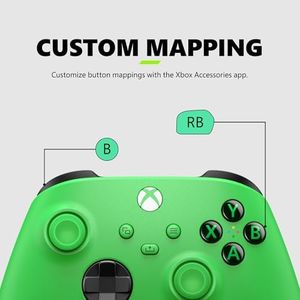
Customization Options: no extensive customization or remapping
Build Quality: solid and durable
Compatibility: Xbox, Windows, Android, iOS, smart TVs
How do we rank products for you?

Our technology thoroughly searches through the online shopping world, reviewing hundreds of sites. We then process and analyze this information, updating in real-time to bring you the latest top-rated products. This way, you always get the best and most current options available.

headphones-stars

Buying Guide for the Best Xbox Controllers

Choosing the right Xbox controller can greatly enhance your gaming experience, whether you play casually with friends or are into more competitive gaming. There are many options available, each with different shapes, features, and technologies designed to suit different needs and preferences. Understanding the main factors that set controllers apart will help you find one that feels comfortable, performs well for the games you enjoy, and suits your play style.
Ergonomics and Build QualityErgonomics refers to how comfortable and easy the controller is to hold during long gaming sessions. This is important because a controller that feels awkward, too heavy, or too big/small can cause discomfort or fatigue. Build quality speaks to how sturdy and durable the controller is, which is crucial if you tend to play a lot or might drop it occasionally. Controllers can range from lightweight and compact to larger, more substantial designs, with different shapes for various hand sizes. To pick the right one, think about the size of your hands and whether you prefer something lightweight and portable or heavier and more solid; testing out a few in your hands at a store can really help here.
Wired vs. Wireless ConnectivityConnectivity determines how the controller links to your console or PC. Wired controllers connect directly with a cable, offering zero input lag and no need for batteries, which can be ideal for competitive play. Wireless controllers give you freedom to move around, but you'll need to consider battery life and the possibility of very minor delays in responsiveness, which usually aren’t noticeable for most players. If you like to play from far away or hate tangled wires, wireless might be best; if you’re particularly sensitive to delays or just want to skip recharging, go for wired.
Button Layout and CustomizationThis refers to the position and design of the buttons, triggers, and joysticks on the controller. Some controllers allow you to remap buttons or even physically swap pieces like thumbsticks, triggers, or paddles. For players who want a controller tailored just for them, or have unique accessibility needs, customization is very important. If you’re happy with the standard setup, a regular layout is fine, but if you find certain button placements uncomfortable or want more shortcuts for complex games, look for customization features.
CompatibilityCompatibility is about which platforms the controller works with, like different Xbox models, PCs, or mobile devices. Not every controller will work seamlessly with every device, and some require extra adapters or software. Think about where you’ll use the controller most—just one Xbox, or across other systems too—and make sure the controller supports all your needs to avoid frustration.
Haptic Feedback and Trigger SensitivityHaptic feedback gives you vibration and resistance effects that make games feel more immersive, while trigger sensitivity influences how the controller reacts to how hard or softly you press certain buttons. Basic controllers may offer simple vibration, while more advanced options have nuanced effects or adjustable triggers for added realism or advantage. If you play games that use these features, like racing or action games, advanced feedback and sensitivity settings can make gameplay more fun and precise. If you mainly play games where these effects don’t matter, you can look for simpler controllers.
Battery Life and Charging OptionsThis is how long the controller lasts before needing a recharge or new batteries. Some controllers use replaceable AA batteries, while others have built-in rechargeable batteries with USB or charging docks. Longer battery life means fewer interruptions, which is great if you game for many hours at a time. If convenience matters to you, look for controllers with easy charging methods, like USB-C or a charging stand; if you don’t mind swapping batteries, standard models work well too.

FAQ